
Initial Delay
Delay before Remee starts showing patterns
Delay before Remee starts showing patterns
3h 30m
Nap Delay
A shorter initial delay for naps
A shorter initial delay for naps
30m
Signal Interval
How long Remee waits between signals
How long Remee waits between signals
10m
Wiggle
Adds random deviation to the signal interval
Adds random deviation to the signal interval
Off
Brightness Levels
Set three levels for Remee's lights.
Set three levels for Remee's lights.
Brightness Ramping
Slowly increases brightness through the night.
Slowly increases brightness through the night.
Off
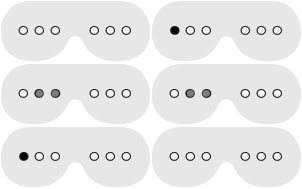
Pattern 1
The first pattern Remee will display
The first pattern Remee will display
Pattern slow (0x)
Pattern 2
The second pattern Remee will display
The second pattern Remee will display
Pattern slow (1x)
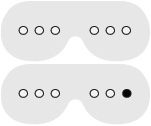
Pattern 3
The third pattern Remee will display
The third pattern Remee will display
Pattern slow (2x)